
Mesh Core a Quickstart Recipe
Incrediences:
- a supported device, for example a Heltec V3
- a usb cable
- a working computer and a web-usb enabled browser (today any chromium and firefox nightly)
to start
- open your browser and visit https://flasher.meshcore.io/
- filter for your device:
they have a nice mouse-over to make the optical check yourself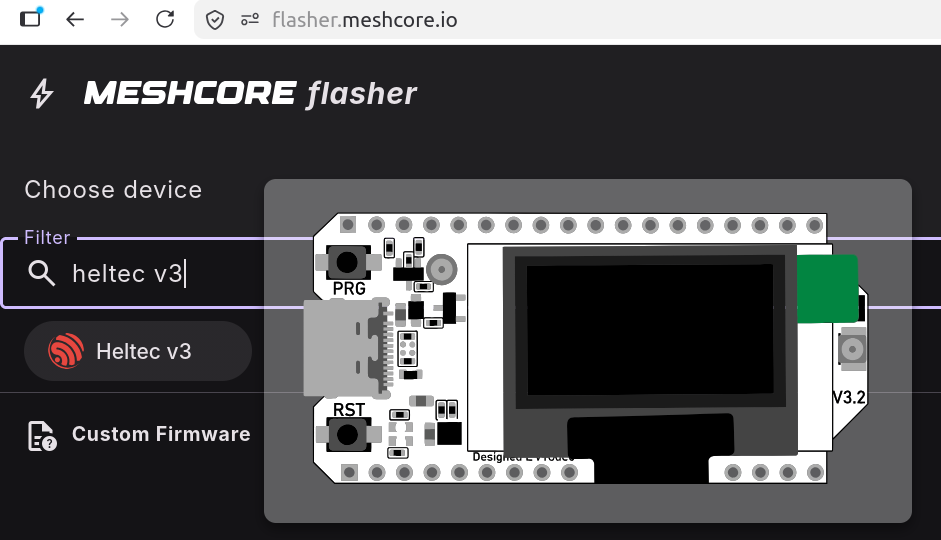
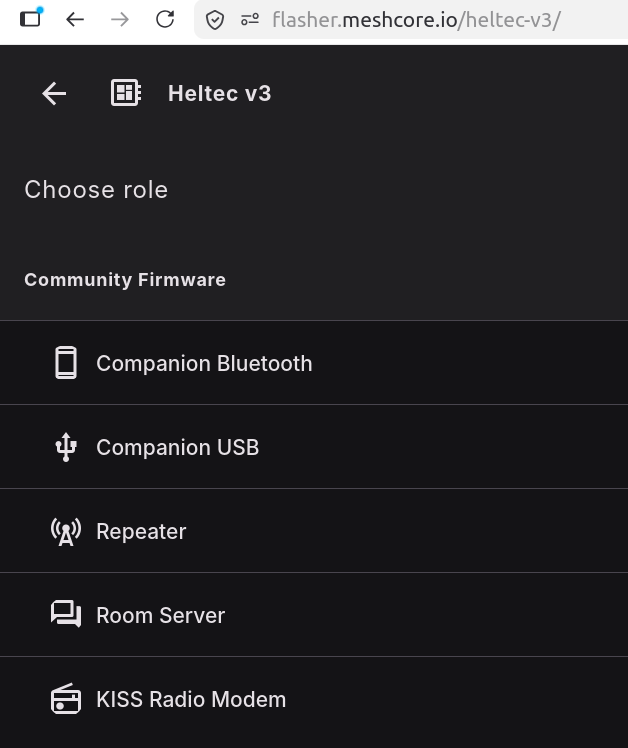
- after that you choose the role of your device. start with "Companion" this way it will become a meshcore device that connects to a corresponding app. (my guess, bluetooth for convenience)
- there is a button to set your device into "DFU" mode. thats the mode to be able to receive a new firmware.
- FLASH!!! and wait.
- (if you have a second device for placing "outside on the balcony or on the roof", you can flash another one. but with the role "Repeater")
in the case of companion, you can try to connect with your app. the fastest way is to directly head with your browser to https://app.meshcore.nz/ (i know its silly to use off-grid communication using a website) for the first try its the fastest way.
- setup your device to the right radio settings. under settings you can choose a preset:
the most popular here in germany/switzerland/italy is "EU Narrow"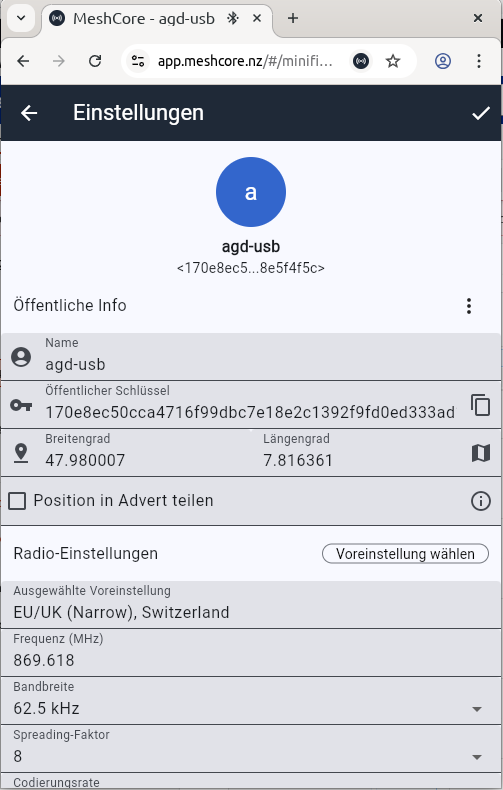
- done, inside the app you should already see a "Public" channel. write a hello and wait if anyone answers you.
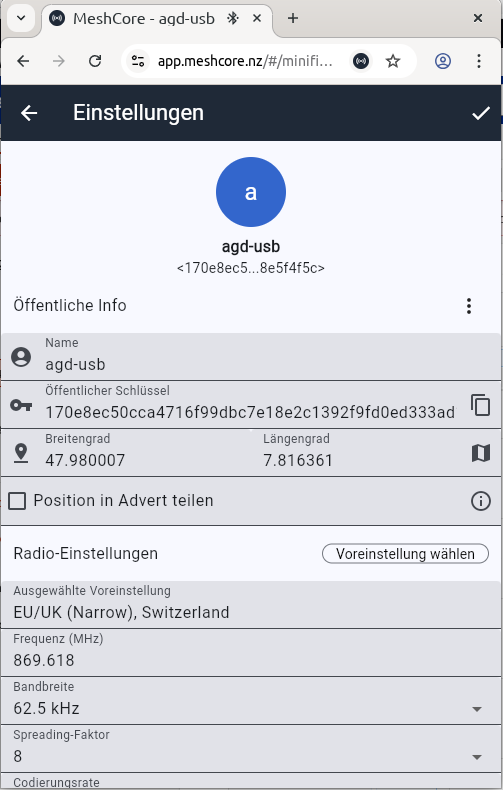
- or add my device and try to reach it ;)


Happy Meshing!!
Other Devices
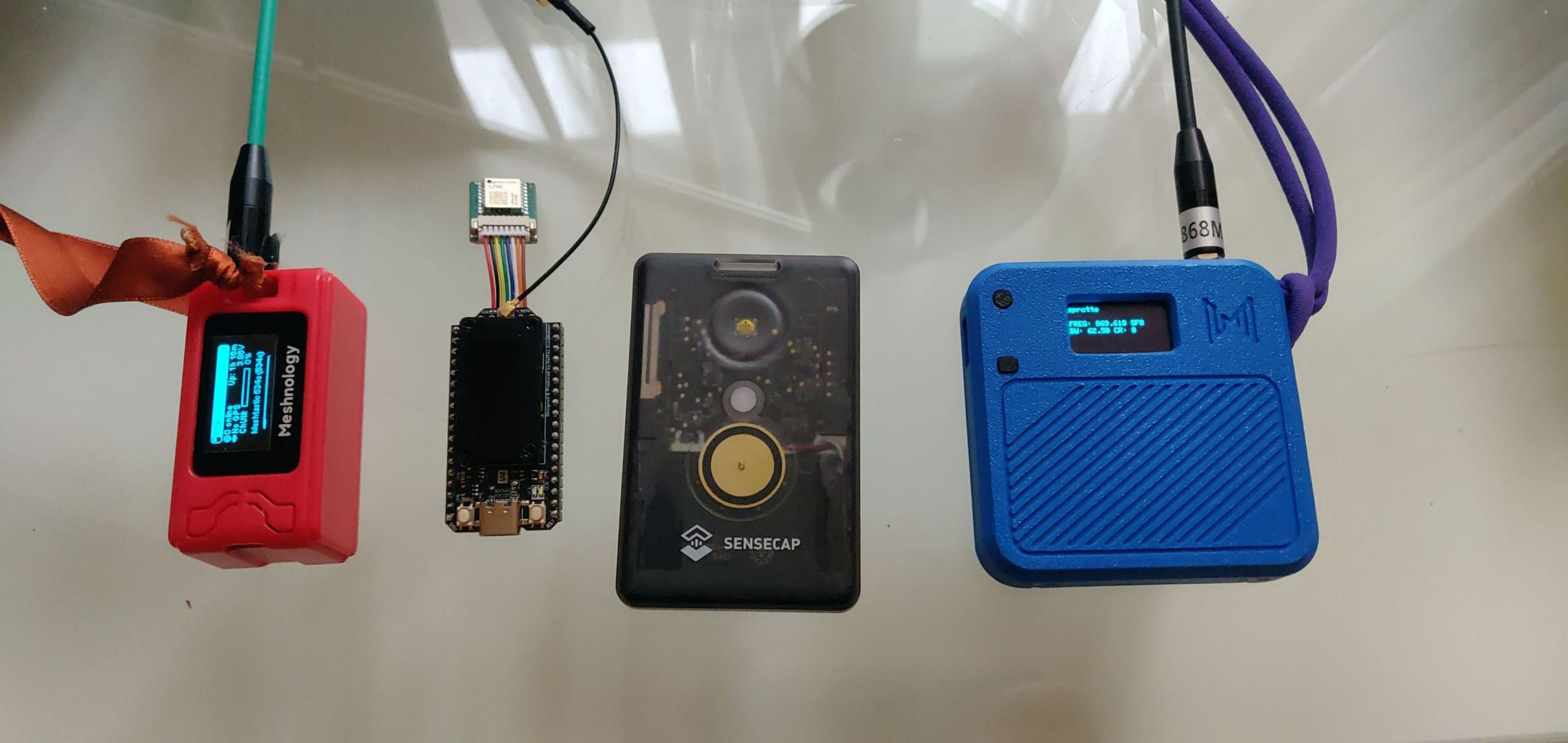
left a heltec V3 with a small 1100 battery, the blue one is the same with a larger battery. both got a slighlty better antenna compared to the default one.
the second is a heltec v4 with a gps device connected to it.
the third is my daily driver for inside my pocket. the "sensecap tracker t1000E"
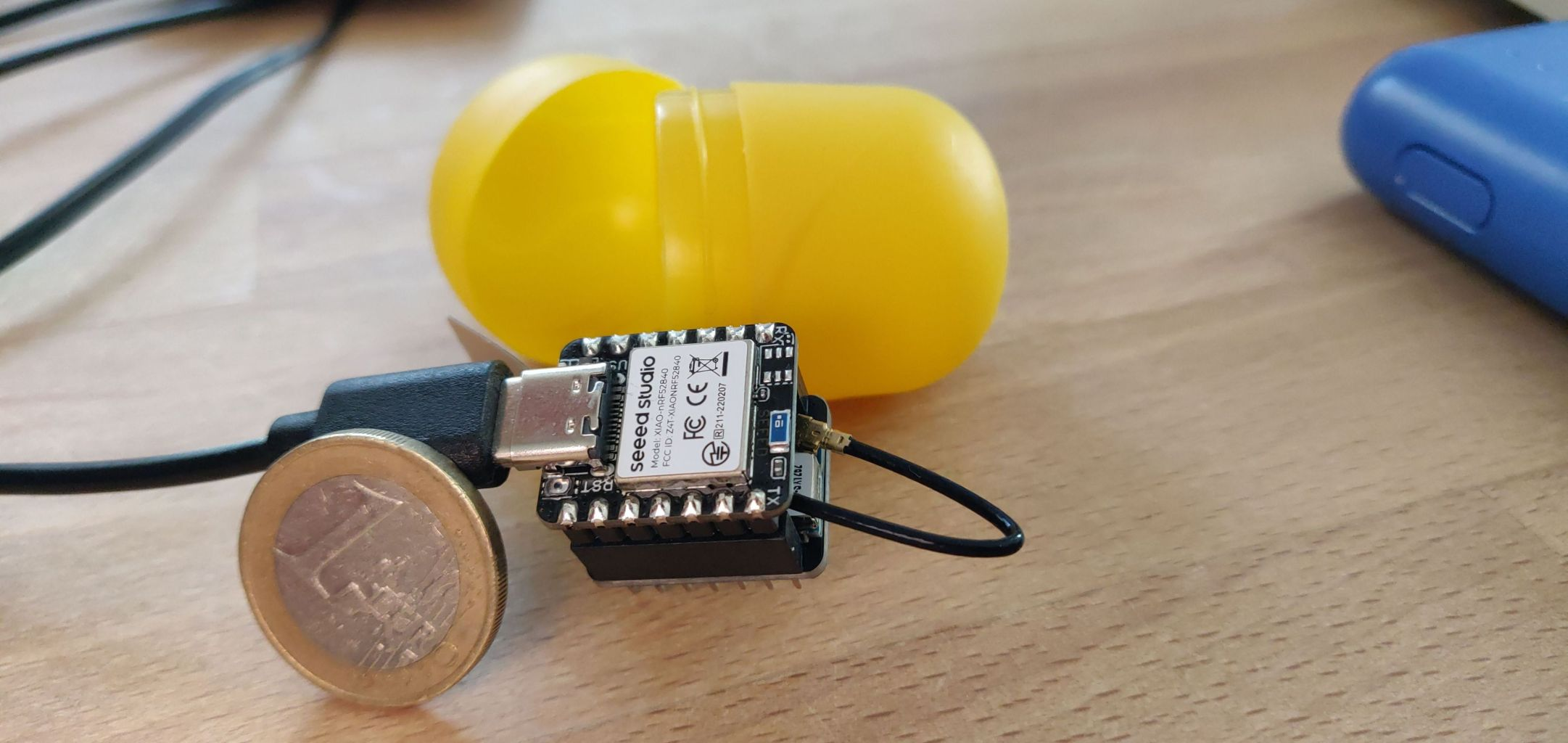
this is the xiao based on nrf the cheapest device on this site for 13,- euro. needs to solder cables for battery usage. and then its power is its efficiency. One 18650 battery lasts 8 days (measured by me)
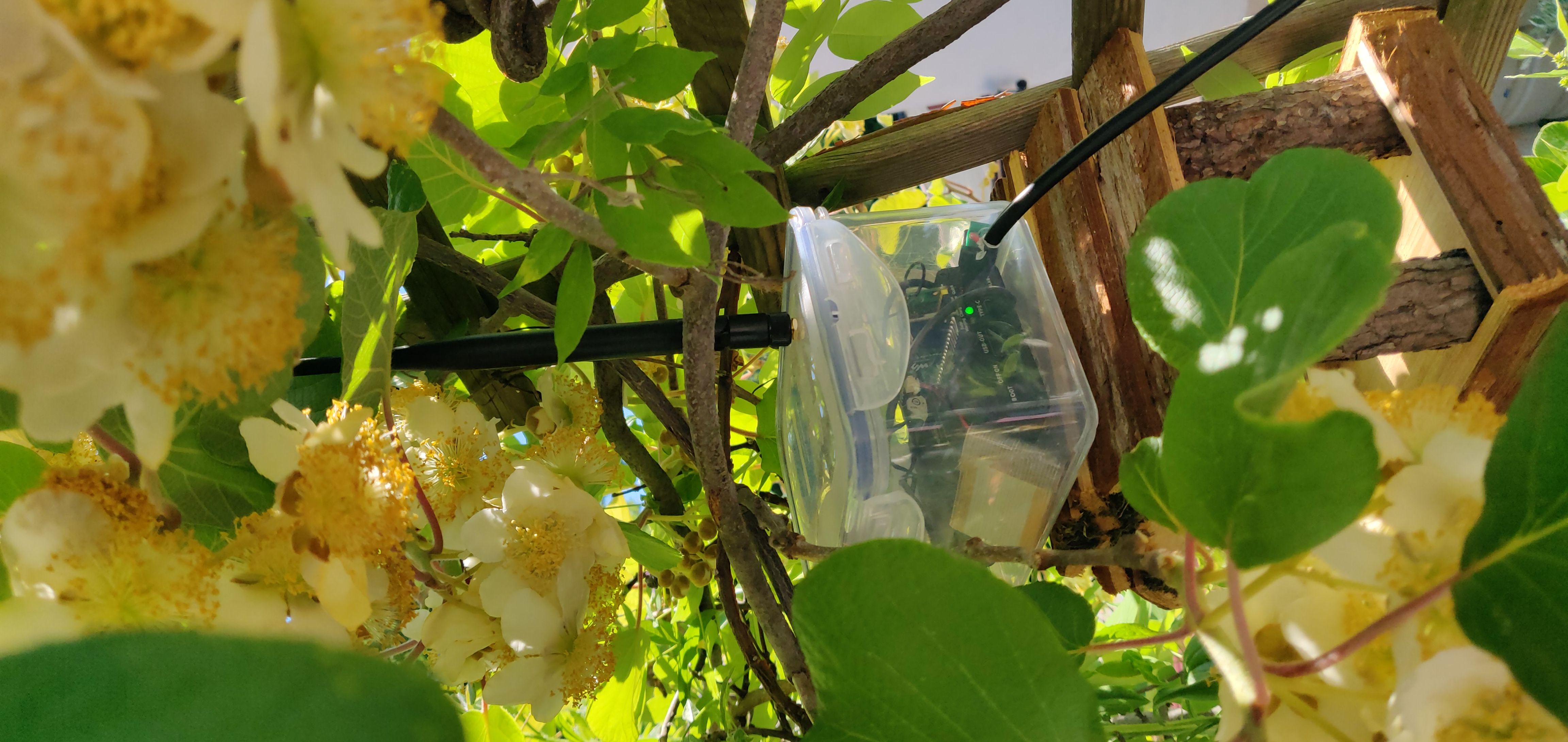
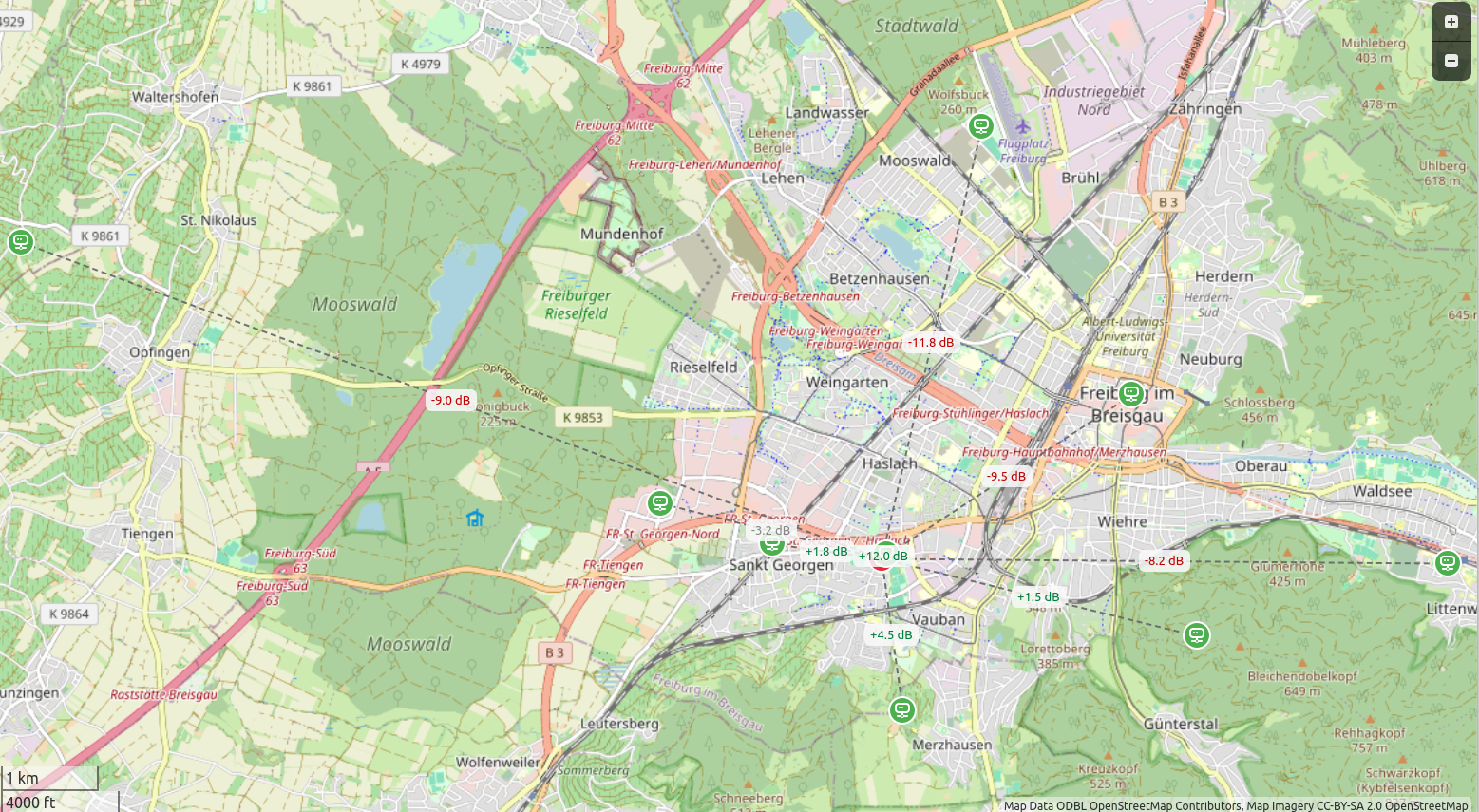
this is "nebelfunk" my balcony repeater. its a pi pico with sx1252 head hier sind die verbindungen zu den benachbarten repeatern zu sehen:
all of these devices can be run also with meshtastic or meshcore. so reflashing always possible.