Adventures in Mesh
MeshCore a Quickstart Recipe
Incrediences:
- a supported device, for example a Heltec V3
- a usb cable
- a working computer and a web-usb enabled browser (today any chromium and firefox nightly)
to start
- open your browser and visit https://flasher.meshcore.io/
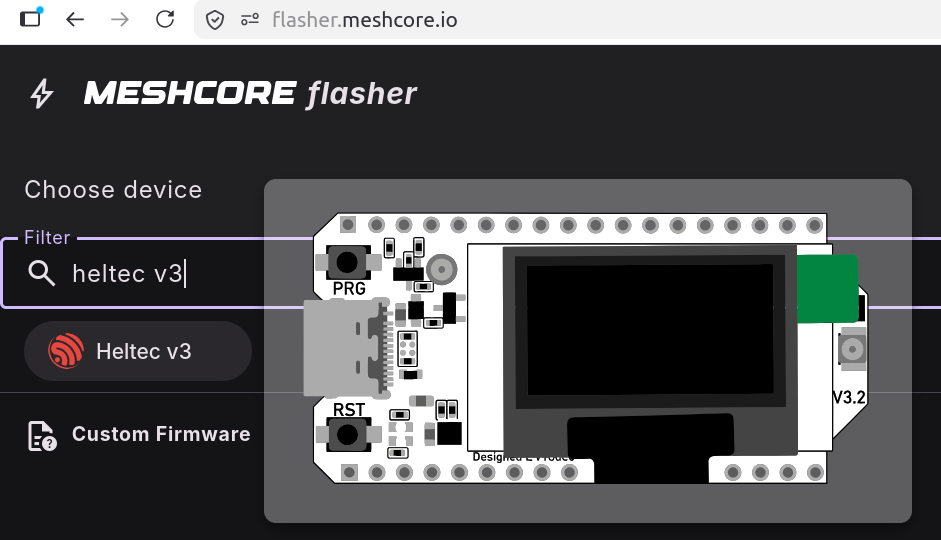
- filter for your device:
they have a nice mouse-over to make the optical check yourself
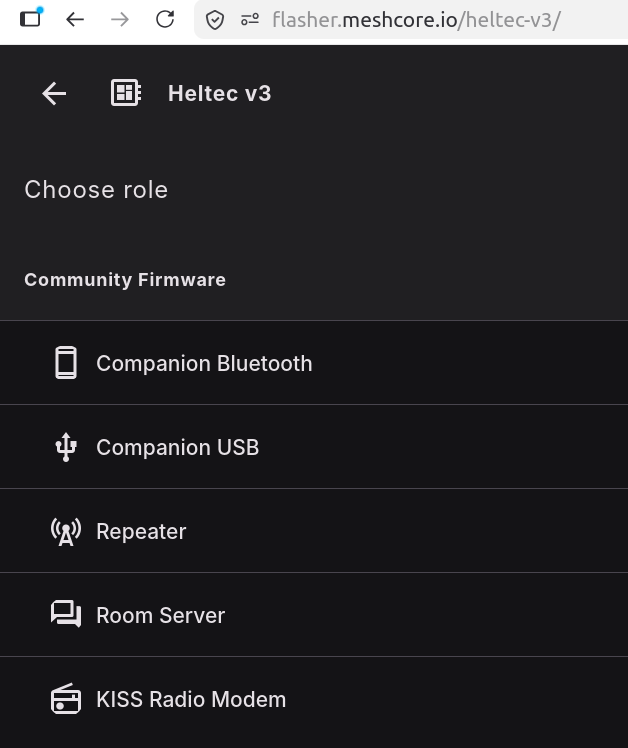
- after that you choose the role of your device. start with "Companion" this way it will become a meshcore device that connects to a corresponding app. (my guess, bluetooth for convenience)

- there is a button to set your device into "DFU" mode. thats the mode to be able to receive a new firmware.
- FLASH!!! and wait.
- (if you have a second device for placing "outside on the balcony or on the roof", you can flash another one. but with the role "Repeater")
in the case of companion, you can try to connect with your app. the fastest way is to directly head with your browser to https://app.meshcore.nz/ (i know its silly to use off-grid communication using a website) for the first try its the fastest way.
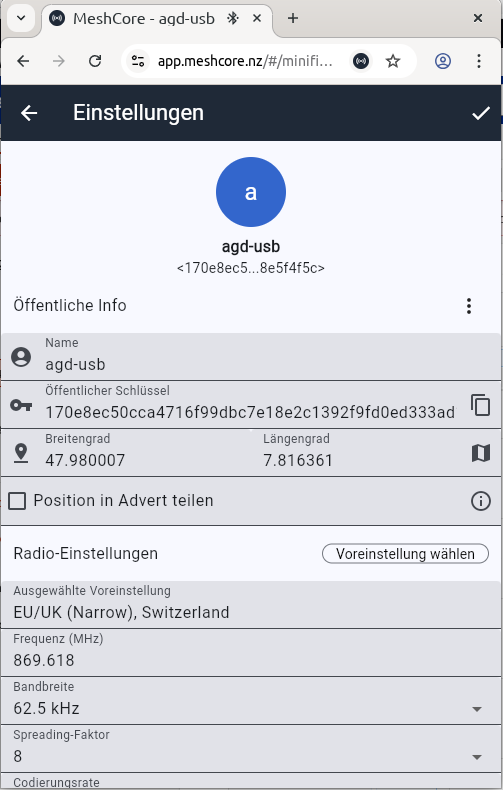
- setup your device to the right radio settings. under settings you can choose a preset:
the most popular here in germany/switzerland/italy is "EU Narrow"
- done, inside the app you should already see a "Public" channel. write a hello and wait if anyone answers you.
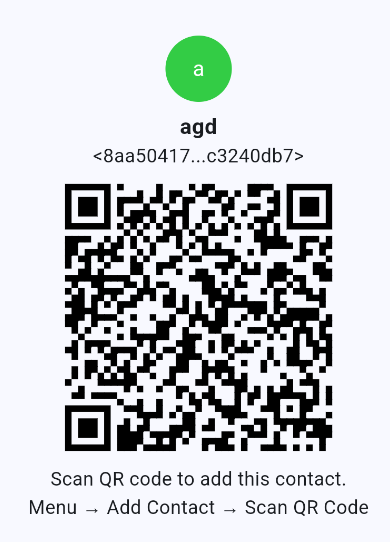
- or add my device and try to reach it ;)

Happy Meshing!!
Other Devices
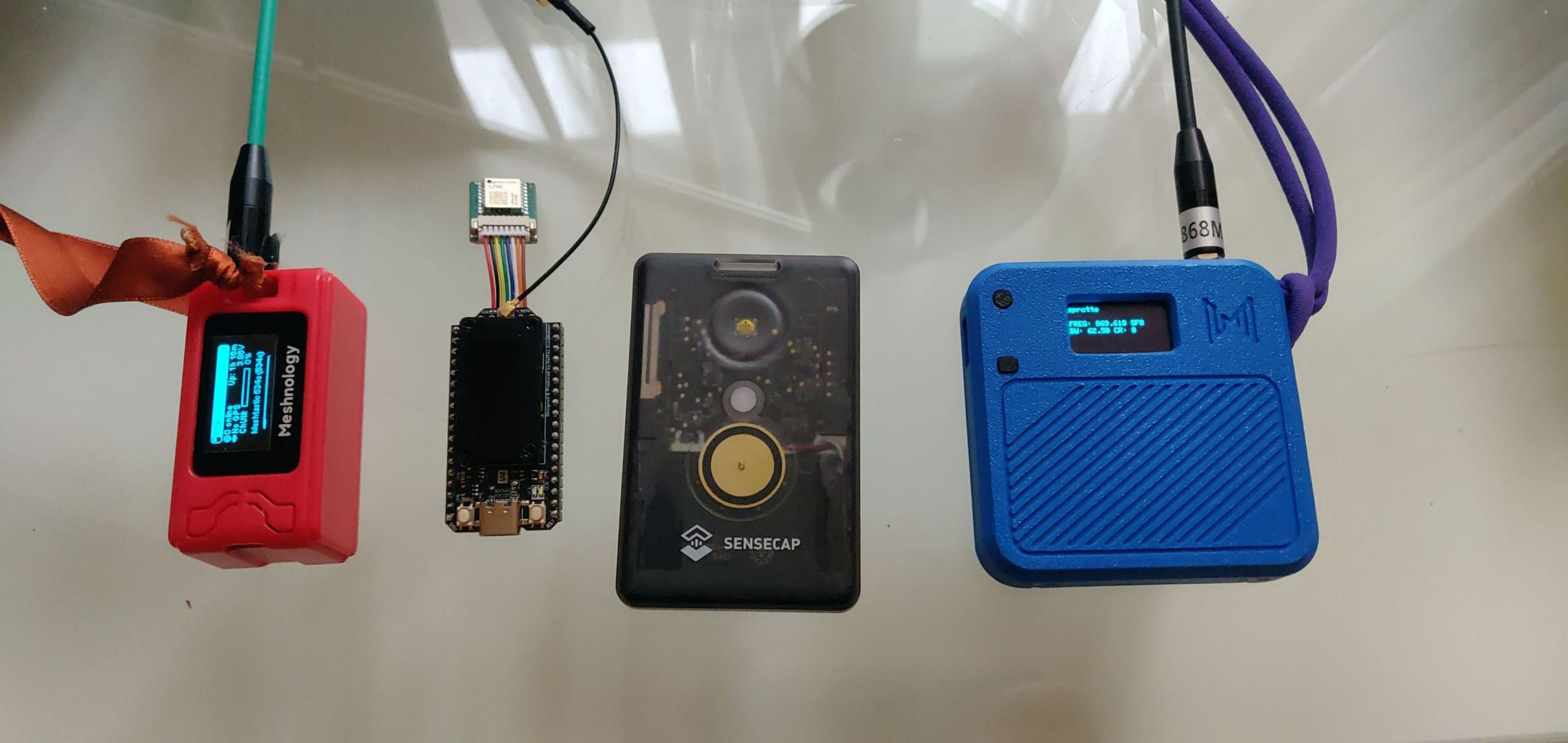
left a heltec V3 with a small 1100 battery, the blue one is the same with a larger battery. both got a slighlty better antenna compared to the default one.
the second is a heltec v4 with a gps device connected to it.
the third is my daily driver for inside my pocket. the "sensecap tracker t1000E"
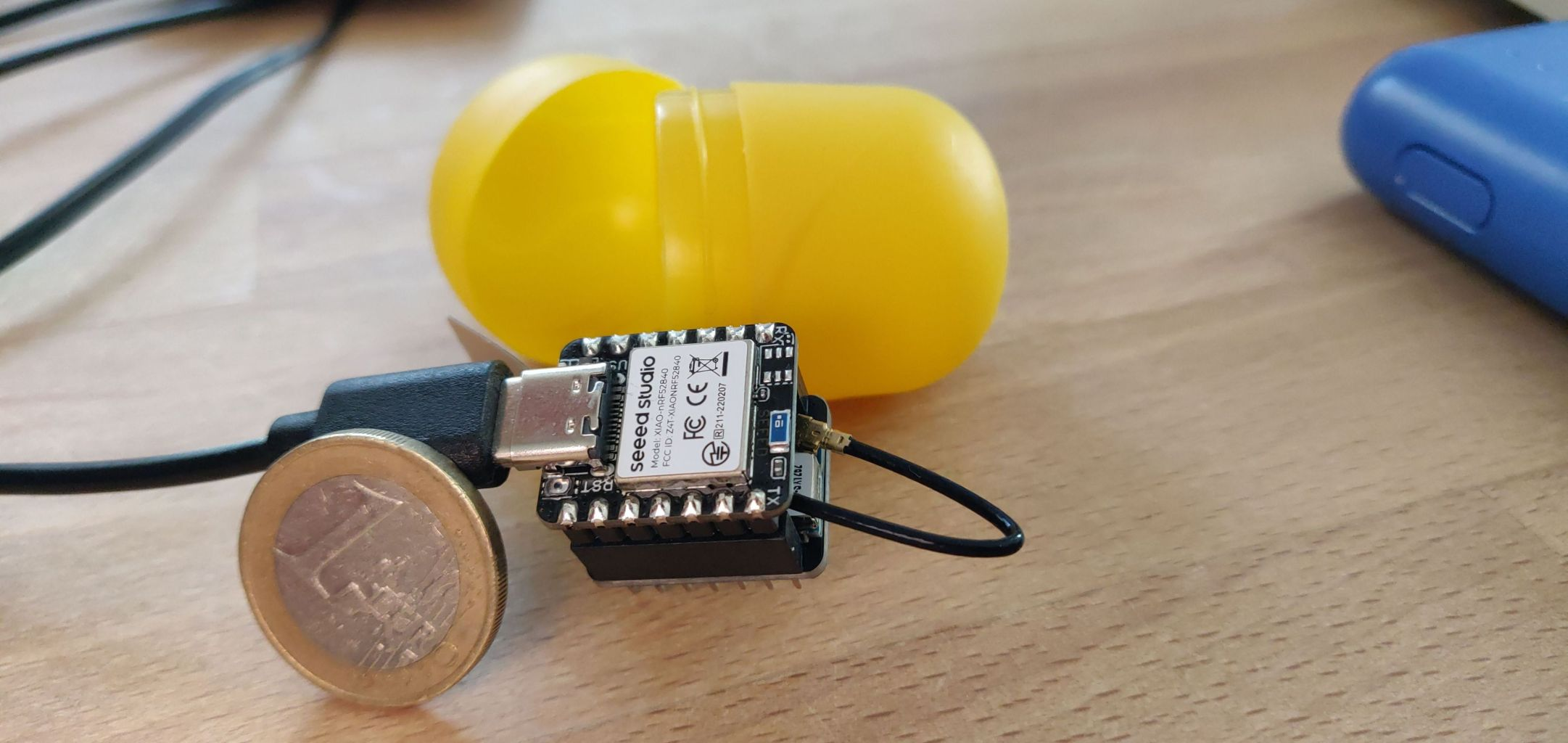
this is the xiao based on nrf the cheapest device on this site for 13,- euro. needs to solder cables for battery usage. and then its power is its efficiency. One 18650 battery lasts 8 days (measured by me)
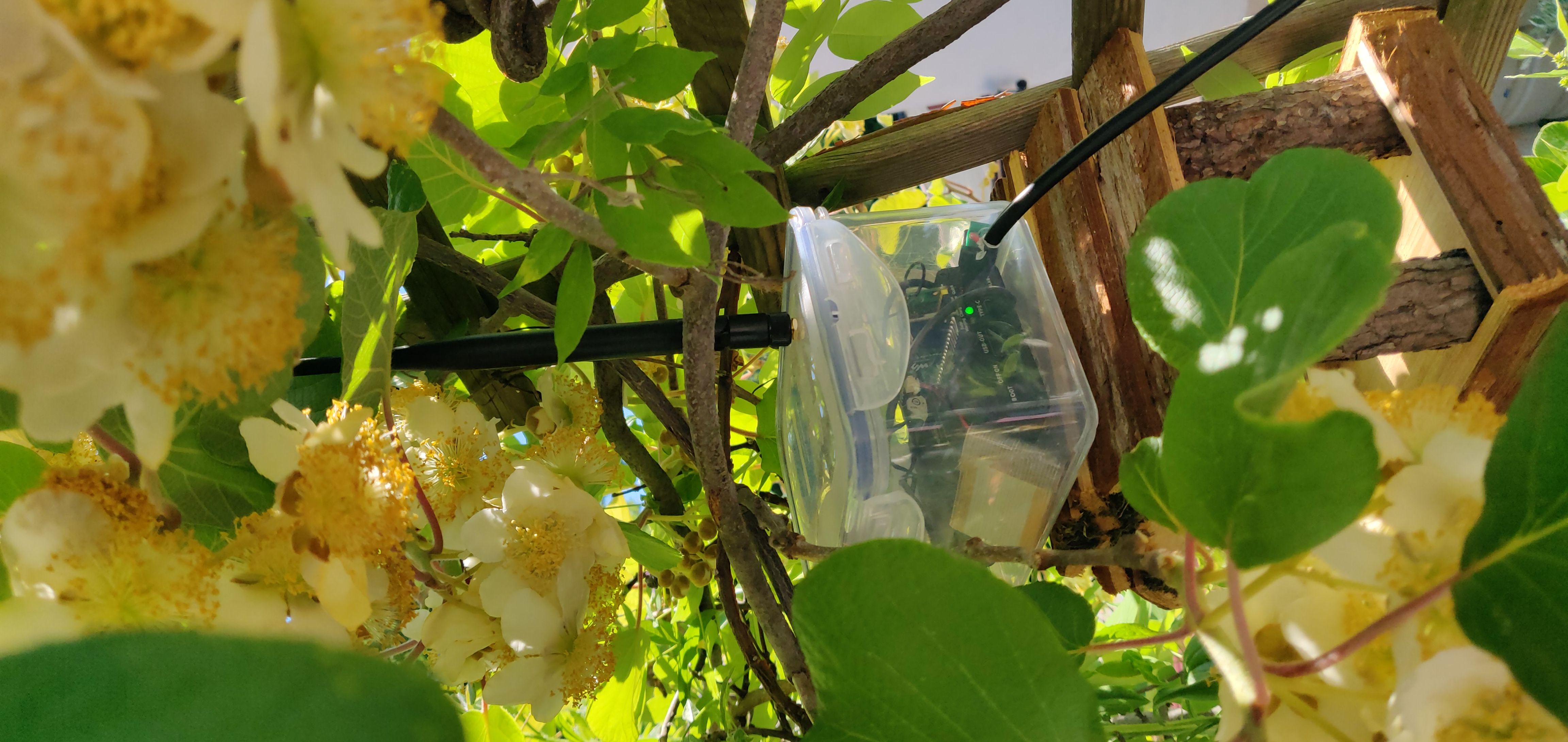
this is "nebelfunk" my balcony repeater. its a pi pico with sx1252 head here you can see the repeaters next to it, within reach.
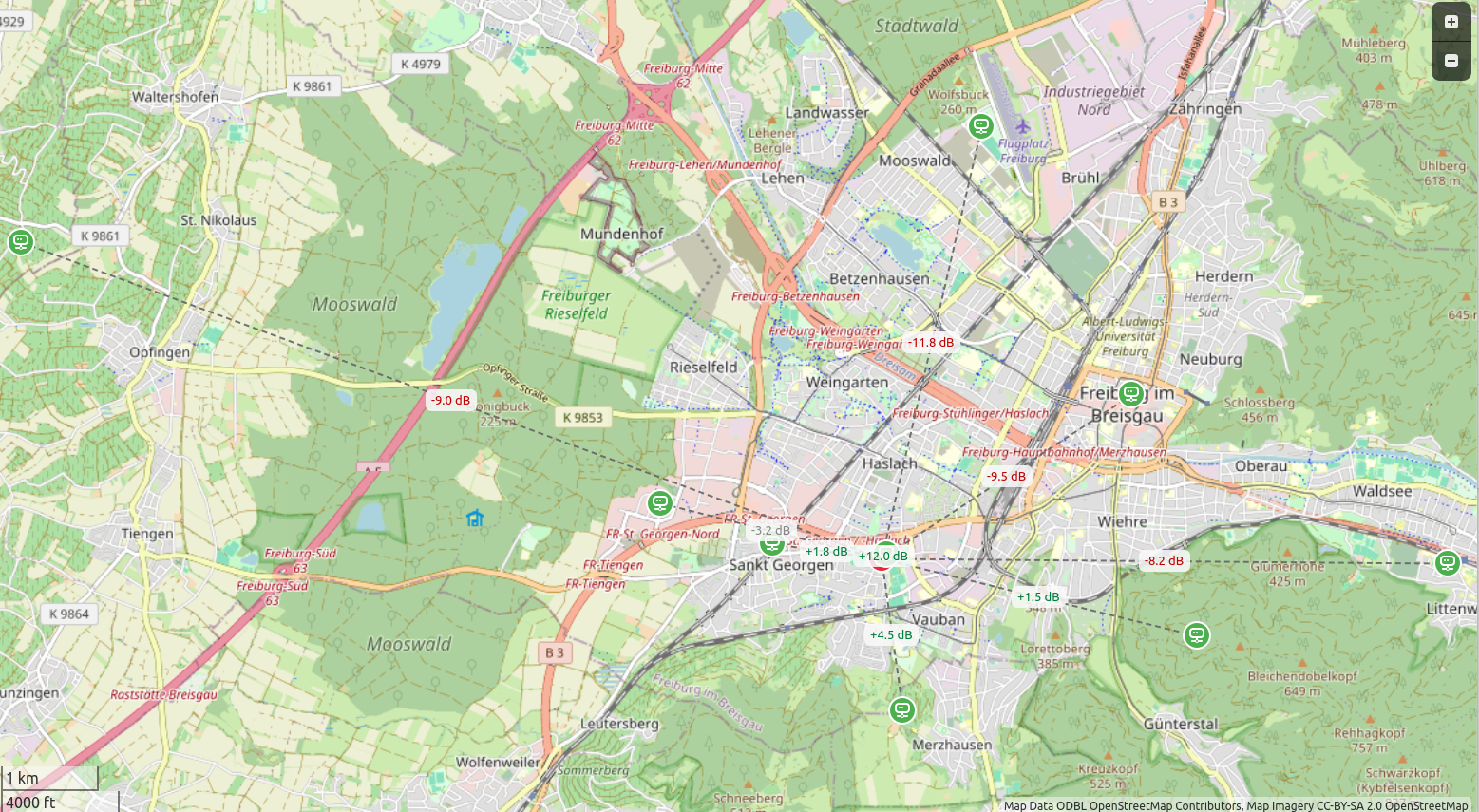
all of these devices can be run also with meshtastic or meshcore. so reflashing always possible.
Reticulum Quickstart Recipe
three different ways to get started with reticulum: Desktop, Terminal, Mobile(android)
reticulum, whats special?
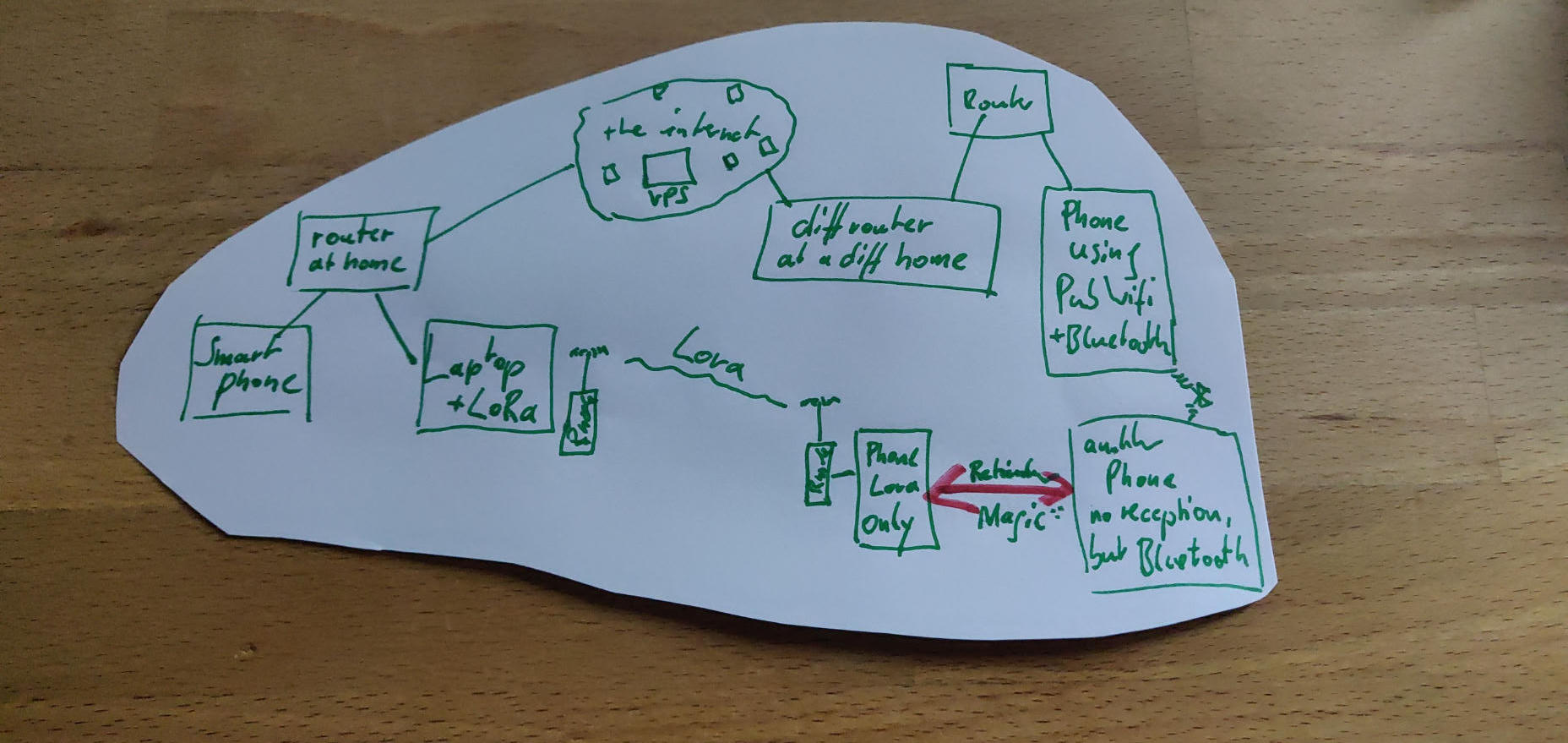
Imagine being in a Pub with thick walls, so no reception to the outside. then getting a message from a friend you know they are out of range lora-only.
how could that happen? your friend in the pub, also reticulum user had columba on with wifi plus bluetooth as interfaces. so your first hop was using bluetooth to their phone. this next device was able to receive annouces to find paths to others, because wifi connected it also the internet. for example to the friends laptop with the wifi plus lora. so the lora -only human was reachable from there. so chatting is still possible, thats the unstoppable reticulum magic ;)
Desktop use with ReticulumMeshChatX
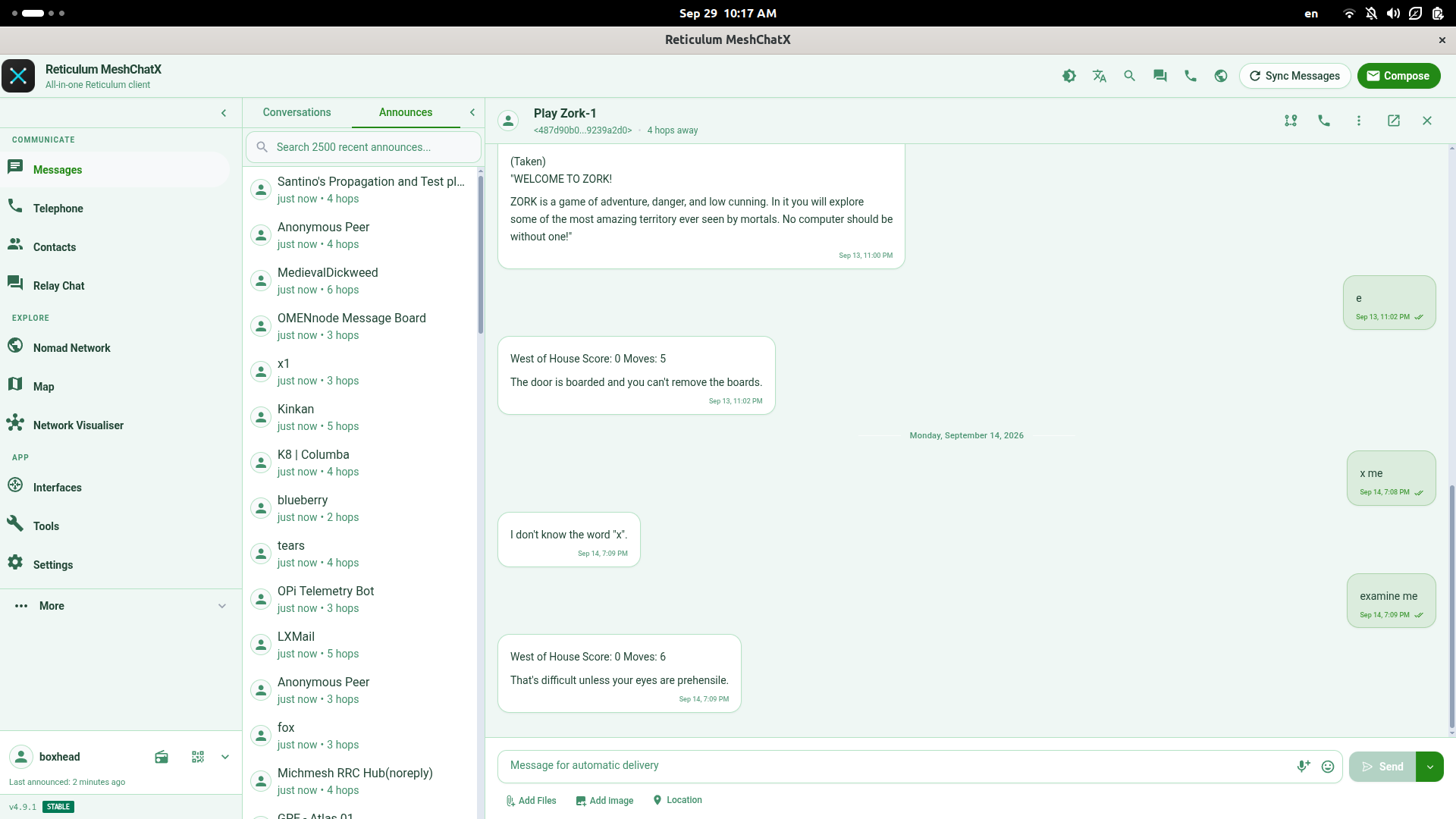
- go to https://meshchatx.com/ and download and install this all-in-one app
- its all already working if you see "announces" flying in in the announces tab next to messages.
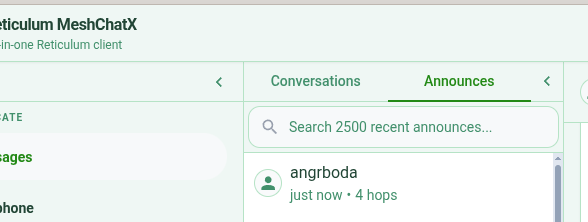
If you want to have a first chat, with someone, you can go to contacts and add and this will open:
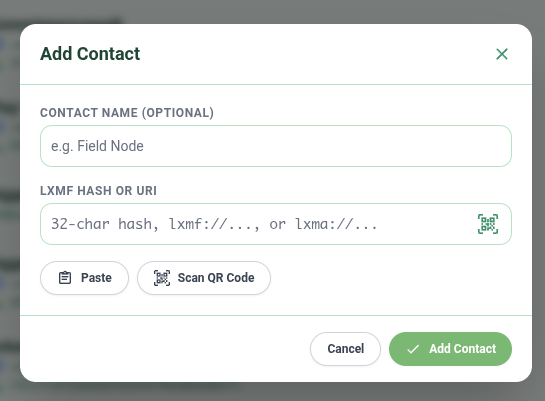
you can add a name, its completely up to you... the important one is the lxfm hash (a veeeery long number). thats it, add and try to start chatting.
my lxmf address (on the desktop in meshchatX) is 501abfd8c80690893ccff7df93276bf2
and yes, each device, different contact.
Terminal use with nomadnet
we use nomadnet and install it using pipx like that:
pipx install nomadnetafter starting nomadnet in the terminal
nomadnetit should look like that:
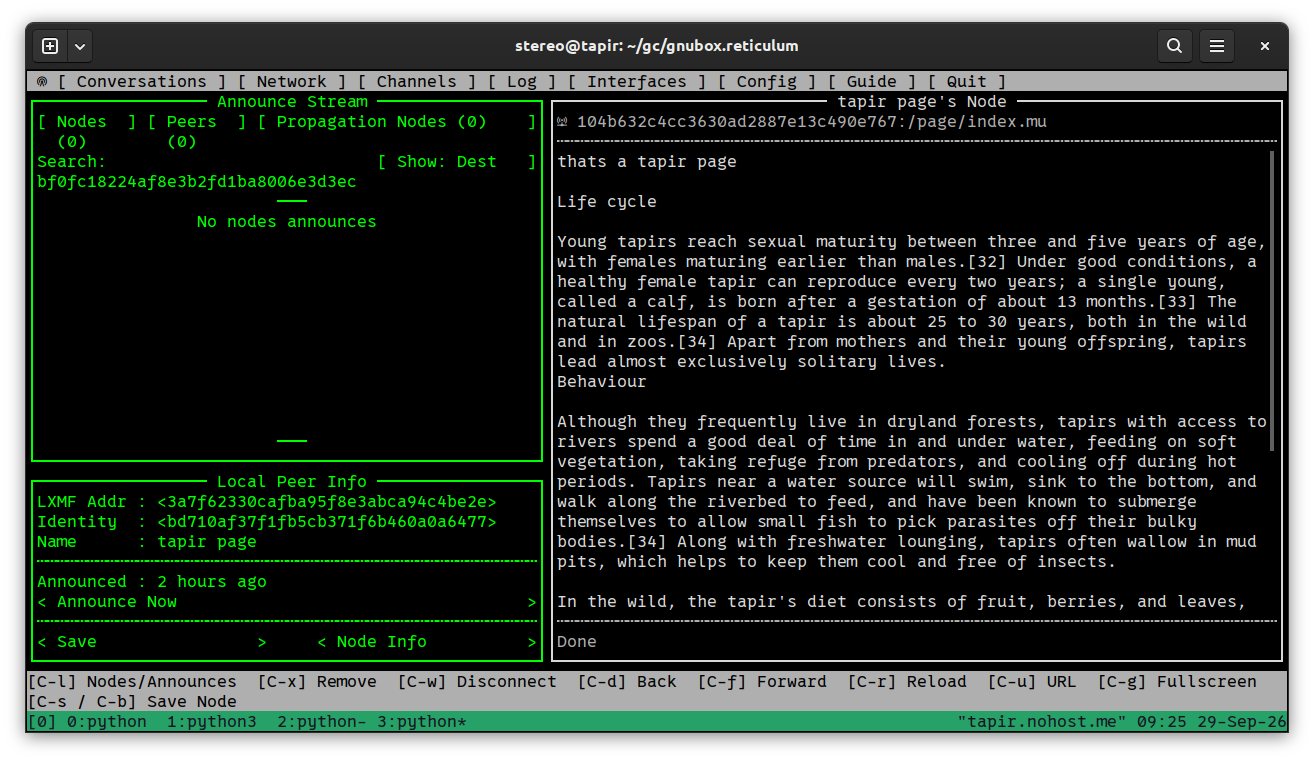
it works, if you see announces in the announce stream. you can control everything with keyboard and also with a mouse. so network in the menu is clickable and ctrl-L makes the list of freshly received announces visible
to add someone by hand, go to conversations and press ctrl-N to add a new contact, like i did in this screenshot:
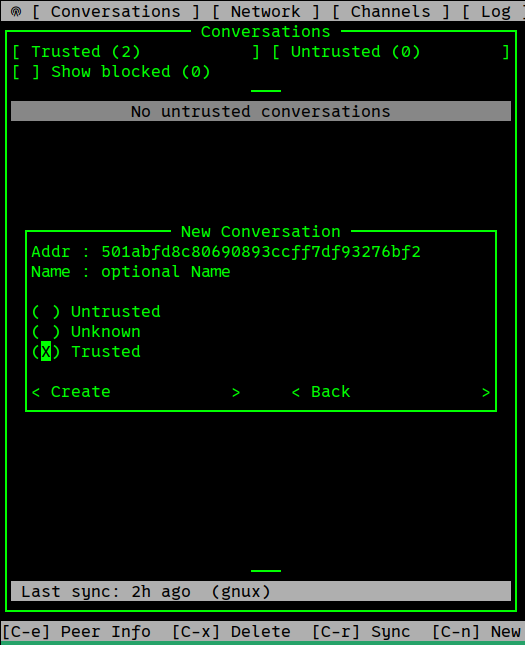
in the same step you can "trust" this contact, so it will show up under your trusted contacts later.
Mobile use with Columba (Android)
Just go to https://columba.network/ and install the app to your android phone.
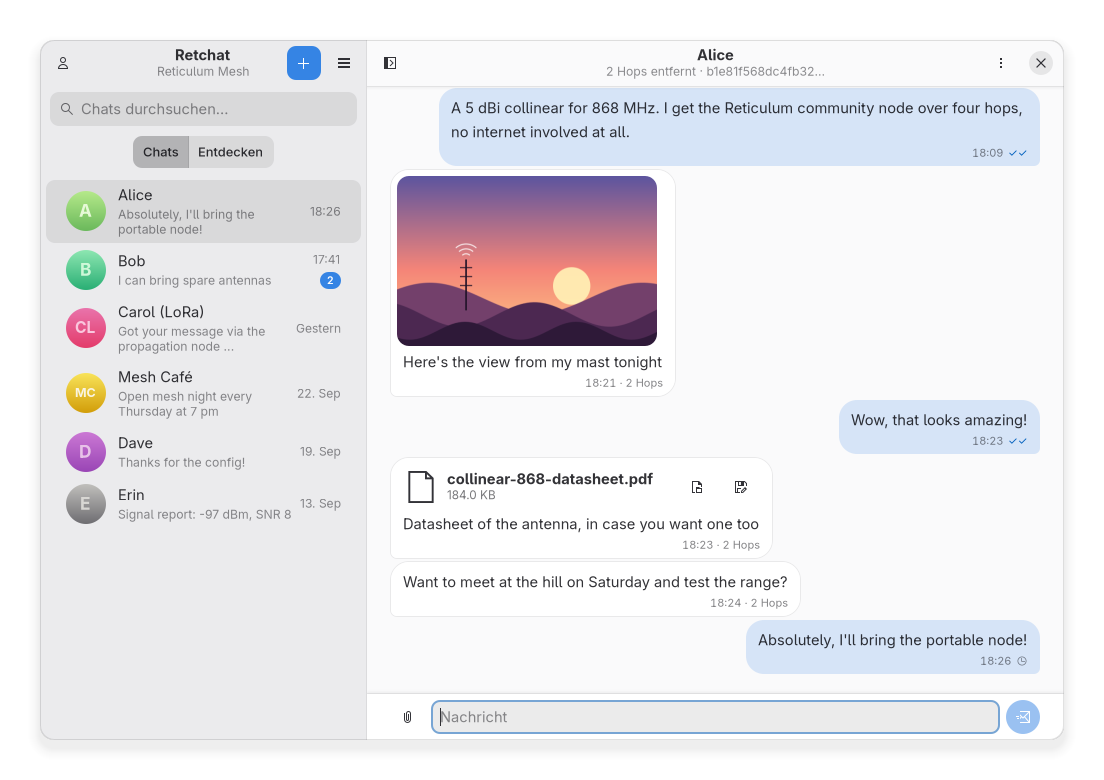
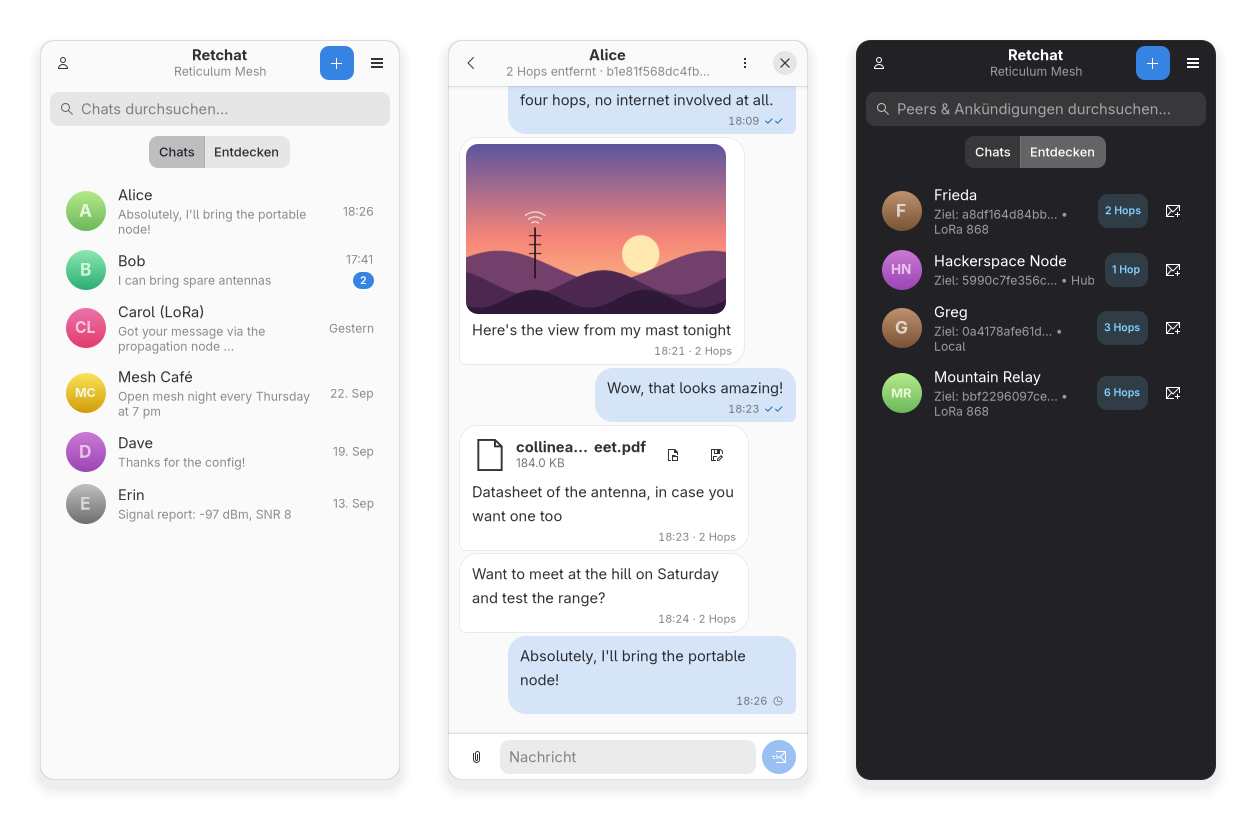
GNU/Linux use mobile or Desktop using RetChat
WATCH OUT, its an all vibe-coded Wrapper around nomadnet. https://github.com/nebocamin/retchat
First the excuse. I tried, what so many people are talking about. My thoughts and reflections will come later in a post.